
Skip to content

Glossary Log File Analysis

What Is Log File Analysis?

Definition

Log file analysis means reading the record a server writes for every request. Unlike analytics it needs no browser to run anything, so it also captures the crawlers' visits.

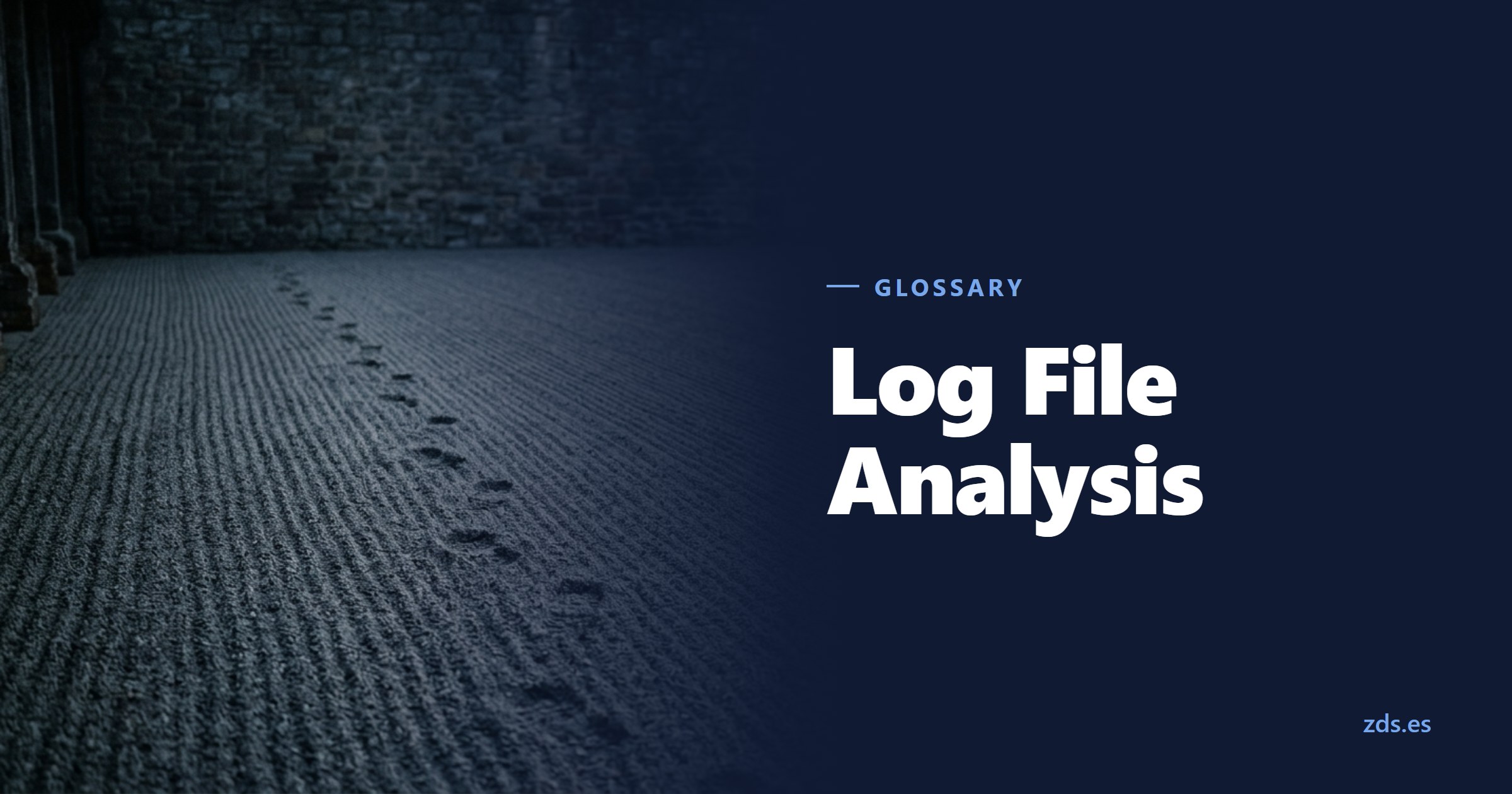
A freshly raked gravel courtyard with a single line of footprints across it — beside the title Log File Analysis
The tracks are there though nobody saw anyone pass
On this page 5
  1. What Log File Analysis Is
  2. What Is in One Line
  3. What It Answers That Nothing Else Does
  4. How It Works in Practice
  5. Common Mistakes
In brief

Which five pieces one log line carries, why the user agent field cannot be believed without verification, which three questions only the log answers, and why a log file is a collection of personal data.

A freshly raked gravel courtyard with a single line of footprints across it — beside the title Log File Analysis
The tracks are there though nobody saw anyone pass

What Log File Analysis Is

Log file analysis means reading the record a server writes every time something is requested: a page, an image, a PDF, a file that no longer exists. Every request leaves a line, and those lines together tell what actually happened rather than what is supposed to happen.

The difference from any web analytics tool lies in where the data comes from. Analytics needs a browser to run a script; the log is written earlier, on the server, without asking anyone's permission. That is why it sees what the other cannot.

And what it cannot see is exactly what matters in technical SEO: the crawler's visit. Googlebot runs no measurement script, so in analytics it does not exist. In the log it leaves every request with a timestamp, the exact URL and the code it received.

It is worth saying up front what it is not. Not a marketing tool and not a source of content ideas: the log does not know what anyone was looking for, knows no keywords, and cannot tell a satisfied visit from a disappointed one. It answers a single family of questions, the technical one, and there it has no rival.

Nor is it an SEO invention. Logs have existed as long as servers have, and they are written the same whether anyone reads them or not. All this discipline contributes is the habit of looking in with a specific question in hand instead of opening them once something has already broken.

What Is in One Line

Apache and nginx write the same format by default, called combined. One line carries five pieces worth having, and learning to read them at a glance is half the work: who requested, when, what, what they got and who they claim to be.

That last field, the user agent, causes the most confusion. It is a string the client chooses freely, so anyone can declare themselves Googlebot. Before counting those visits, check the IP against the official ranges, or the report measures whoever is copying the site rather than whoever is indexing it.

The log also records requests that are not pages: stylesheets, images, fonts, and the files that can only be governed with the X-Robots-Tag. It is the most direct way to find out which part of the crawl budget goes into things that are not content.

Two more fields sit in the line and are easily overlooked. The response size in bytes distinguishes a full page from an error served with a light template, and a sudden drop in that number usually betrays a broken template before anyone reports it.

The other is the referrer, the URL someone arrived from. In browser traffic it hints at incoming links; in crawler traffic it is usually empty, and that too says something: the search engine did not arrive by following a link in that session but from its own list of known URLs. When it does carry a value, it shows which internal page led there, which is read alongside internal linking.

Five fields per request, and none of them depends on the visitor running anything

What It Answers That Nothing Else Does

Some questions only the log answers with facts. First: which pages does Google crawl, and how often? An uncomfortable imbalance almost always appears, with important sections visited once a month and worthless URLs visited daily.

Second: what does it find when it arrives? This is where the 404 errors nobody reported turn up, the intermittent 500 errors that happen at four in the morning, and the redirect chains the crawler walks in full every time.

And third, the most surprising: which URLs does it request that you did not know existed? Combinations of GET parameters, versions with and without a trailing slash, paths from a migration two years ago. All of them consume crawling, and none appears in a list of published pages.

A fourth question is rarely asked, and the log answers it better than anything else: at what hour is the server slow? Grouping response time by hour shows whether crawling coincides with the nightly backup or the heavy job at three in the morning. When it does, the TTFB the search engine measures is not the one your visitors experience.

And a fifth, useful after any large change: how long does Google take to notice? Once a new section is published, the log shows the exact day it started being requested and how often it came back. That is a direct measure of whether discovery works, without depending on the delay in Search Console reporting.

How It Works in Practice

First you need the files, and that is usually the slowest part. They sit on the server, get rotated and compressed every few days, and if nobody keeps them they are gone. Before analysing anything, make sure they are retained for at least a month.

Then you filter: keep the requests from verified search engines and separate pages from resources. That is enough to answer the questions above, grouped by URL, by day and by response code. A spreadsheet carries a small site; past a certain size you need a tool built for it.

And it pays to cross-check against what you already have: the sitemap, the coverage report in Search Console and actual traffic. A URL that Google crawls daily, never takes into indexing and that receives no visits is a specific question; the log merely makes it visible.

One note on filtering that saves false conclusions: decide early what counts as "a page". If requests for images, stylesheets and fonts are counted alongside content requests, every ratio comes out crooked, because a single page drags twenty resource requests behind it.

And a recommendation on presenting the result. A URL list sorted by request count impresses and says nothing; what gets understood is the split by section, the week-by-week trend, and the short list of URLs receiving crawling without producing anything. In a technical SEO audit those three views fit on one page and carry the decisions.

Common Mistakes

The most expensive one is treating the log as anonymous data. An IP address identifies a person often enough that a log file is a collection of personal data under the GDPR: with a retention period, a legal basis and restricted access. Exporting it wholesale into a shared spreadsheet is a problem, not a shortcut.

The second is counting as a search engine whatever merely says it is one. Without verifying the IP, the report mixes real crawling with that of whoever is copying the catalog, and conclusions about visit frequency come out inflated.

And the third is looking at a single day. Crawling is uneven by nature: any given Tuesday says nothing, while four consecutive weeks show a pattern. Drawing conclusions from a short sample is the equivalent of deciding the climate by a glance out of the morning window.

A fourth mistake, quieter: confusing "Google does not crawl it" with "Google cannot crawl it". A URL missing from four weeks of logs may mean it is blocked in robots.txt, that nobody links to it, or simply that the search engine did not consider it a priority. Three different causes with three different fixes, and the log alone does not say which one applies.

And the last, the most common of all: analysing without having decided beforehand what you want to know. A file of several million lines will answer any question put to it, including the ones that do not matter. Writing the question down before opening the file is what separates a useful report from a collection of charts.

Manuel Riveiro Rodriguez CEO & Digital Strategist

A technical audit covers this and everything else in one pass.

Request an audit

Frequently asked

Log file analysis or Search Console?

Both, and they answer different questions. Search Console reports what Google decided about your pages and arrives with a delay; the log reports every request at the moment it happened, including ones for URLs Search Console never mentions. The real value comes from cross-checking them.

How many days of logs do you need?

Four weeks is a reasonable minimum, because crawling is uneven and a single week can mislead. On a large site the pattern shows after two weeks; on a small one that gets a crawler visit every few days, a longer period is needed.

How do you verify a visit really came from Google?

With a reverse lookup of the IP followed by a forward one: the IP must resolve to a Google hostname and that name must resolve back to the same IP. Google also publishes the official ranges in a file. Without that check, the user agent is only a claim.

Can I analyse logs if my site sits behind a proxy?

Yes, but you have to look in the right place. With an intermediate layer in front, the origin server sees the proxy's IP instead of the visitor's, and some requests never arrive at all because they are served from cache. In that case the useful logs are the intermediate layer's, not the origin's.

How long may logs be kept?

As long as the stated purpose requires and no longer, with the retention period documented. For crawl analysis a few months is enough. A sensible practice is keeping the raw lines briefly and retaining the aggregated summaries instead, which no longer identify anyone.