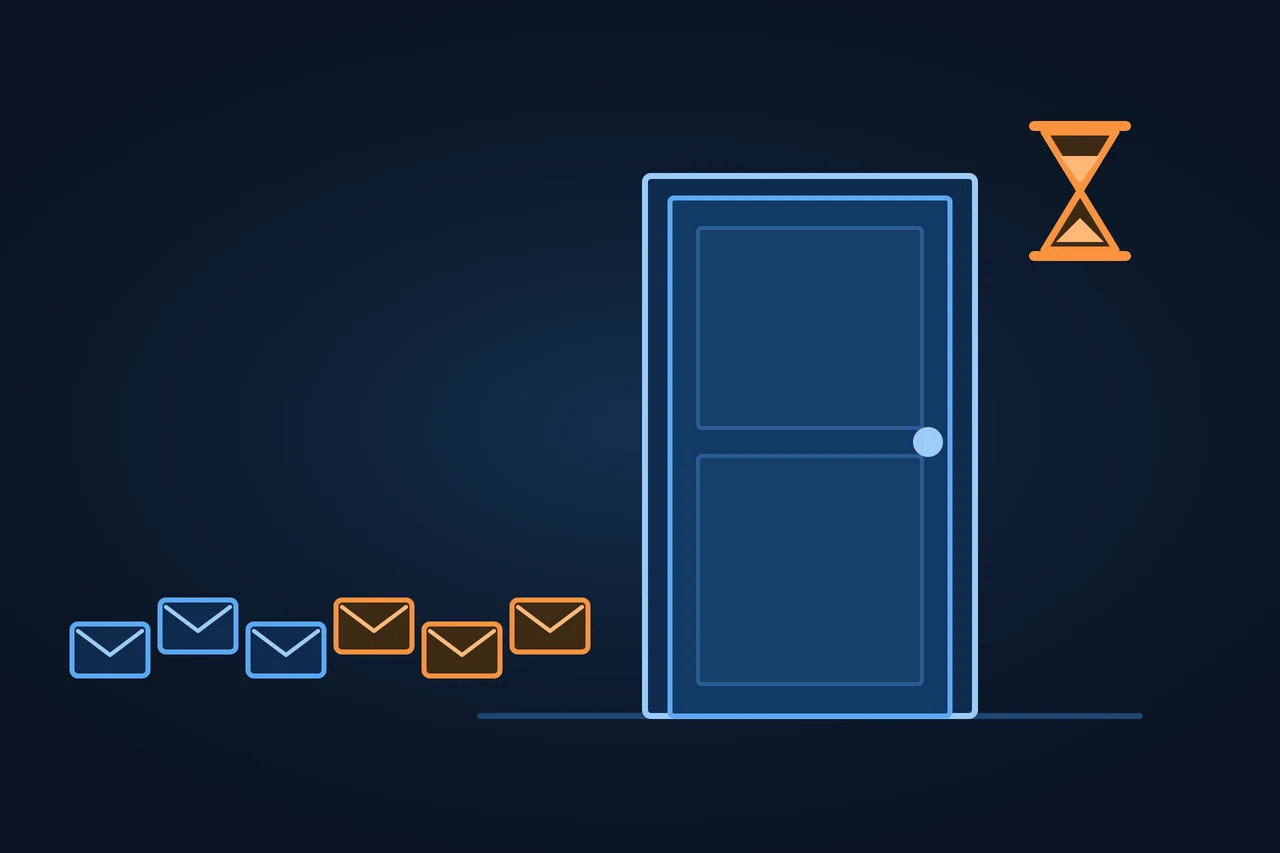
A 429 error (Too Many Requests) is the HTTP status code a server sends to a client that has made too many requests within a given amount of time. It applies to that client, not to the whole server. The response can include a Retry-After header saying how long to wait before trying again.
429 error: the server slows down a client that has sent too many requests. Why Google treats it like a 5xx, and how to use it without losing URLs.
Origin of the term
The 429 was not part of the early HTTP specifications. RFC 6585, "Additional HTTP Status Codes", published by the IETF in April 2012, introduced it together with codes 428, 431 and 511. The mechanism it describes is rate limiting: capping how many requests a server accepts from each client. RFC 9110 from 2022 does not redefine the 429, so RFC 6585 is still the reference.
How it works
Something counts each client's requests and, once the limit is passed, stops serving the page and answers 429 until the waiting time is over. That something can be the application itself, an API gateway or a CDN with a firewall.
The RFC leaves open how the client is identified and how requests are counted. The limit can apply per resource, across the whole server or across a set of servers, and the client can be recognised by its credentials or by a cookie. According to MDN, limits are most often based on the client's IP address. Two more rules from the RFC: a 429 response must not be cached, and servers are not required to use it at all; under attack, dropping the connection can make more sense than answering every request.
For Google, the 429 is the exception among client errors. Its status code documentation treats all 4xx codes the same, except 429: with a 404 or a 403, the URL is not indexed, and if it was indexed it gets removed. A 429, by contrast, signals an overloaded server, and "it's considered a server error". That gives it the effects of a 5xx:
Google's crawlers slow down, and according to the guide to reducing crawl rate the slowdown covers the whole hostname, including URLs that respond normally.
Indexed URLs are kept, "but eventually dropped" if the error continues.
The crawl rate goes back up once the errors drop.
Google recommends 429, together with 500 and 503, to slow its crawling for a few hours or one to two days. It advises against 403 and 404 for that purpose.
For Google, 429 is the exception among 4xx codes
403 · 404
client errors
The URL is not indexed.
If it was indexed, it gets removed.
Google advises against them for slowing crawling.
429
signals an overloaded server, with the effects of a 5xx
The crawlers slow down across the whole hostname.
Indexed URLs are kept; after more than two days of 429, Google drops them, according to its page on crawling errors.
The crawl rate goes back up once the errors drop.
Recommended by Google to slow crawling for a few hours or one to two days.
Does your CDN rule slow crawlers down with a 429, or block them with a 403?
Types and variants
A 429 on the robots.txt file follows its own rules. Google's robots.txt documentation treats any 4xx as if the file did not exist, except 429. Search Console Help on the Crawl Stats report lists "HTTP 429/5XX" among the unsuccessful robots.txt responses. A 429 there counts as a connection problem.
For AI crawlers, the documentation is missing. The crawler pages of OpenAI, Anthropic and Perplexity, accessed 12.11.2026, do not say how their bots react to a 429 or to Retry-After. Anthropic does support the Crawl-delay directive in robots.txt. To control them, you have robots.txt and, if you don't want to rely on the crawler's goodwill, blocking at the server. And pay per crawl does not use 429 at all: it answers with a 402 and asks for payment.
Examples
RFC 6585 gives this example itself, for a site that allows 50 requests per hour for each logged-in user:
HTTP/1.1 429 Too Many Requests Content-Type: text/html Retry-After: 3600
The 3600 is in seconds, so one hour.
A CDN rule meant for scrapers can also catch Googlebot if it crawls many filter URLs in a short time. If the rule answers 429, Google crawls the whole host more slowly. If it answers 403, Google concludes those URLs do not exist.
How to measure it
To see a URL's status code, a single terminal request is enough: curl -I https://www.example.com/. The first line shows the code, followed by Retry-After if the server sends it. If the limit depends on IP address or user agent, test from the same origin as the affected client.
What a 429 looks like in the terminal
$ curl -I http://localhost:8080/
HTTP/1.1 429 Too Many Requests
Server: Testserver
Date: Thu, 12 Nov 2026 07:21:15 GMT
Retry-After: 3600
Content-Type: text/html
Content-Length: 26
first line: the code
Retry-After: how long to wait before trying again, in seconds
Real output from a test server that answers like the example in RFC 6585
What waiting time does your server put in Retry-After?
In Google Search Console, the Crawl Stats report shows the responses Google received by type, plus host status, including robots.txt availability. Your server logs show who was limited: which agent, which IP and how many requests.
Advantages and disadvantages
A 429 says exactly what is going on: too many requests, not a missing page or a missing permission. For Google, that means slowing down instead of dropping URLs, and with Retry-After the server can give a concrete wait time.
The cost is the cost of slower crawling. Google warns that with less crawling it discovers fewer new pages and refreshes existing ones less often, so prices and product availability may take longer to show up in Search. If the 429 lasts for days on the same URLs, they can drop out of the index. And a badly tuned IP limit also blocks people who share a network.
Google's sources disagree on how long a deliberate 429 can last. The guide to reducing crawl rate, last updated 6 October 2026, advises against going beyond "1-2 days". Search Console Help on the Crawl Stats report, which shows no date, says not to return 503 or 429 for "more than two or three days". On removal from the index, Google's page on crawling errors, last updated 18 December 2025, says that returning 503 or 429 for more than two days "will cause Google to drop those URLs from the index", while the guide to reducing crawl rate only says the URL may be dropped after multiple days.
The February 2023 Google blog post that made the 429 exception widely known also recommended reducing crawl rate in Search Console. That tool was retired on 8 January 2024, as Google announced in November 2023.
There is also no standard for warning clients before they hit the limit. Headers such as X-RateLimit-Remaining are each service's own convention, and the IETF's RateLimit header fields are still a draft as of November 2026.
How to apply it, step by step
Use your logs to find which agent, IP and URLs are causing the load.
Before throttling something that claims to be Googlebot, verify it with a reverse DNS lookup or against the IP ranges Google publishes.
Return 429 only to the excess requests, not to the whole site, and add Retry-After.
Check which status code your CDN's rate limiting rule returns. In Cloudflare you choose a value between 400 and 499, and the default is 429.
Keep robots.txt outside the limit.
Lift the limit on Googlebot after one or two days and check the Crawl Stats report.
If you are the one receiving the 429, as an API client, wait for the Retry-After time before repeating the request.
Best practices
To slow Googlebot down, use 429, 503 or 500, never 403 or 404.
If the load comes from filter or calendar URLs, fix it in the site structure; a 429 only buys time.
Common mistakes
Rate limiting with 403 in the CDN: Google reads it as "this URL does not exist", not as "slow down".
Returning 429 on robots.txt.
Keeping the limit on Googlebot in place for weeks.
Setting a per-IP limit so low that it blocks users on the same network.
How this entry was made
This entry was written in November 2026 with AI assistance. The facts come from RFC 6585 and RFC 9110, Google's documentation on status codes, crawl rate, robots.txt and crawler verification, Search Console Help, Google's blog, MDN, and documentation from Cloudflare, OpenAI, Anthropic, Perplexity and the IETF. It was reviewed before publication and contains no client data.
Manuel Riveiro RodriguezCEO & Digital Strategist
A technical audit covers this and everything else in one pass.
As long as the server decides. If it sends Retry-After, that is the waiting time, in seconds or as a date. The RFC sets no duration.
Is a 429 error my fault?
Partly. The server counted too many requests from your connection, your account or your key. On a shared network, such as an office or a VPN, other people may have triggered it.
Can I use a 429 to slow Googlebot down?
Yes. Google recommends it, along with 500 and 503, for a few hours or one to two days. Crawling slows down for the whole host and picks up again once the errors stop.
Do AI crawlers respect a 429?
That is not documented. The crawler pages of OpenAI, Anthropic and Perplexity do not mention 429. To control them, you have robots.txt and, if you don't want to rely on the crawler's goodwill, blocking at the server.
What should I do if an app gives me a 429 error?
Wait a few minutes and try again, without repeating the action in a loop, because every attempt counts. If it persists, the limit belongs to the service and only its support team can review it.