
Skip to content

Glossary Alt Attribute

What Is the Alt Attribute?

Definition

The alt attribute is the alternative text added to an <img> tag in HTML to describe an image's content for anyone who can't see it, whether because of a visual impairment, a slow connection, or a file that fails to load.

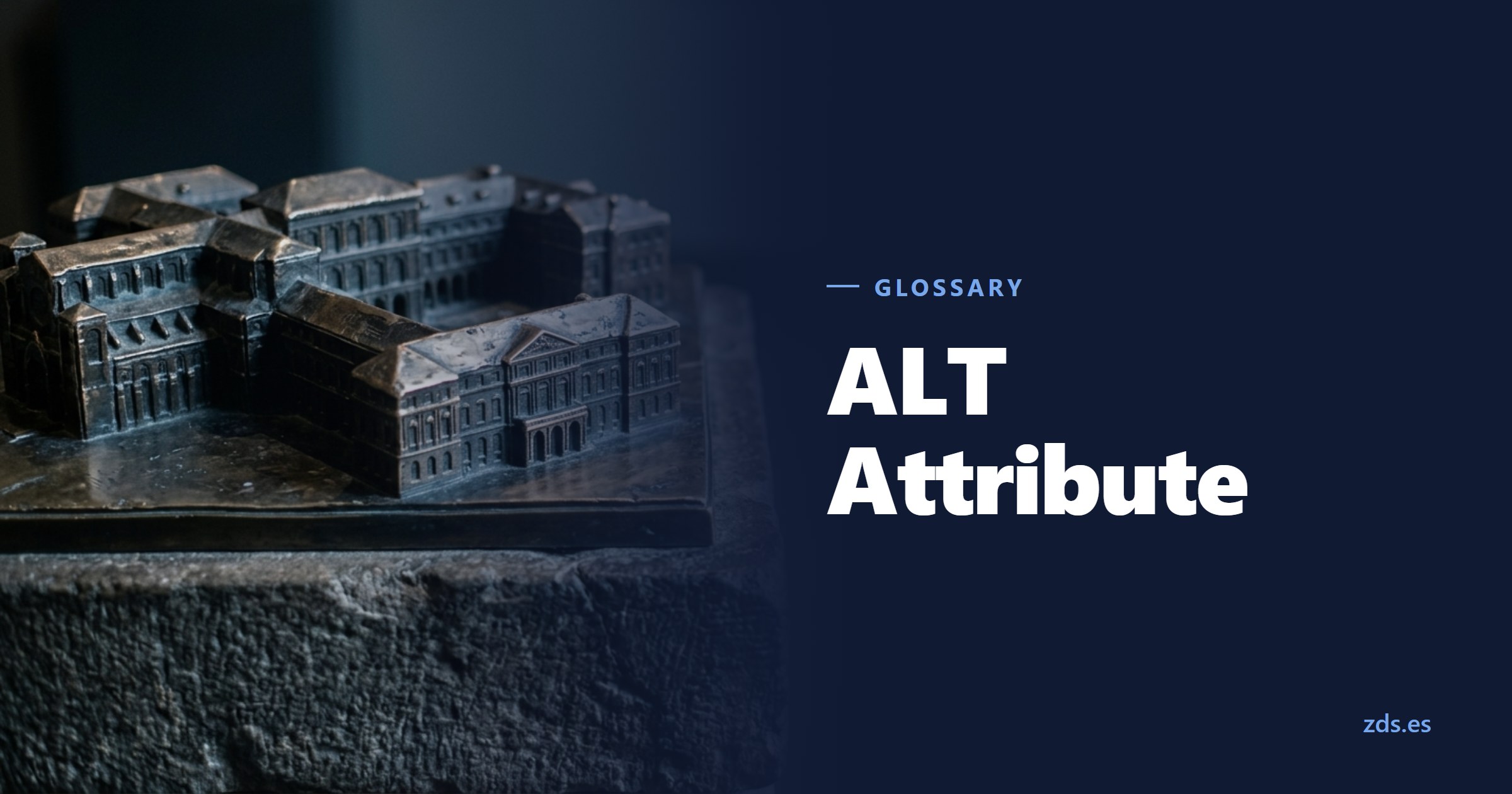
A bronze tactile relief on a plinth, worn shiny by hands — beside the title ALT Attribute
A relief for the hands that cannot see
On this page 6
  1. What does the alt attribute mean?
  2. Alt attribute vs. title, caption and figcaption
  3. How it works
  4. Why it matters
  5. Best practices
  6. Common mistakes
In brief

What to put in the alt attribute depending on the type of image, when to leave it empty on purpose, and what Google and screen readers actually do with it.

A bronze tactile relief on a plinth, worn shiny by hands — beside the title ALT Attribute
A relief for the hands that cannot see

What does the alt attribute mean?

Alt is an attribute of the <img> element in HTML, present since the earliest versions of the spec. Its job is to offer a text alternative to visual content: where the image can't be perceived, the alt text takes its place. Along with the src attribute, it's one of the few attributes accessible markup can't do without.

In modern frameworks and content management systems, the attribute often gets auto-filled from the file name when nobody sets it by hand, which rarely produces a useful description. It's often confused with two other elements that look similar but serve different purposes. The title attribute shows a tooltip on mouse hover, meant for mouse users, not for screen readers, which don't announce it by default. The figcaption element is a visible caption inside a figure, meant for every visitor, not only for someone who can't see the image.

The requirement to provide a text alternative isn't a loose recommendation: it's Success Criterion 1.1.1 ("Non-text Content") of the W3C's WCAG guidelines, the basis for most web accessibility regulations.

Child with a striped beach umbrella at the water’s edge on a Mallorca beach
Example image in an article about hotels in Mallorca.

A real case: the same photo, three alt texts

alt="beach"

Accurate and empty. It says neither who, nor where, nor what is happening.

~
alt="child with umbrella on the beach"

Describes the scene, but fits Cádiz or Rimini just as well. It misses the one thing this page contributes.

alt="Child with a beach umbrella at Cala Millor beach, Mallorca"

Names the specific place, which is exactly what the page is about. And it stays an honest description of what is visible.

alt="mallorca beach hotel offer holiday cheap booking"

This no longer describes anything; it is keyword stuffing, and Google treats it as spam. Rule of thumb: what is useless to someone who cannot see the image is useless to the search engine too.

A real case: the same photo, three alt texts

Alt attribute vs. title, caption and figcaption

Attribute/elementWhat it isWho it's for
altAlternative text for the <img> elementScreen readers, search engines, anyone when the image fails to load
titleOptional tooltip on mouse hoverMouse users; screen readers don't read it by default
figcaptionVisible caption inside <figure>Every visitor, shown on the page
caption (in tables)Visible table titleEvery visitor

The costliest mistake in practice is using title as a stand-in for alt: since most screen readers ignore it, an image with only a title and no alt stays invisible to anyone who depends on that text.

How it works

When a screen reader reaches an image, it reads the content of the alt attribute out loud. If the attribute is present but empty (alt=""), the screen reader skips the image without announcing it, the correct behavior for purely decorative elements. If the attribute is missing entirely, which is different from being empty, some screen readers fall back to the file name instead, and announcing "IMG_047382 dot jpg" is worse than saying nothing.

<!-- Informative image: descriptive alt text -->
<img src="/images/glosario-json-ld-diagram.webp" alt="Structure of a JSON-LD block with @context and @type">

<!-- Error: alt attribute omitted entirely -->
<img src="/images/glosario-json-ld-diagram.webp">

<!-- Decorative image: deliberately empty alt text -->
<img src="/images/decorative-divider.webp" alt="">

Google uses the alt text together with its own computer vision algorithms and the page's content to understand what an image is about. That text carries the most weight in Google Images results, not as a general ranking factor for the page. If the image also functions as a link, the alt text acts as anchor text for that link, with the same weight a regular text link would carry.

What goes into it depends on the type of image. For an informative image, the text describes what it contributes to the page's context, not every visual detail. For a functional image, like a search icon inside a button, the text describes the action, not the artwork. For a decorative image, the alt is left empty on purpose, never missing.

One image, three descriptions

60300Q1Q2Q3Q418253856
alt="chart"

True and useless. Anyone who cannot see it still has no idea what it shows.

alt="blue bar chart with four columns rising left to right on a dark background, vertical axis from 0 to 60"

Describes the drawing, not the finding. Hearing this read aloud wastes time.

alt="Organic sessions triple within a year: from 18,000 in Q1 to 56,000 in Q4"

States what the chart proves. That is exactly what the surrounding text does not repeat.

Where a machine gets the meaning

The image itself
Recognises shapes, colours, objects. Sees rising bars, but not what they measure.

The alt attribute
The only source for the actual claim: what was measured and what came out.

The surroundings
Heading, preceding paragraph, caption and file name sharpen the reading.

Good image recognition therefore does not make alt text redundant: it identifies the object, not the assertion.

What a screen reader announces

“Graphic. chart-sessions-2026-final-v3.png”

Without an alt attribute some readers announce the entire file name.

“Graphic. Organic sessions triple within a year: from 18,000 in Q1 to 56,000 in Q4”

With alt text, the same information a sighted visitor takes from the chart.

One image, three descriptions — and what a machine reads

Why it matters

The main reason is accessibility: without a proper alt, someone using a screen reader has no other way to find out what an image shows. That's what decides whether the page is usable for them at all. In several sectors, public bodies and larger companies among them, accessible markup is now a legal requirement rather than a nice-to-have.

There's also a ranking reason, more limited than often assumed. Alt text helps Google place an image in the right context and decide whether it surfaces in image search, but stuffing it with keywords has the opposite effect: Google treats that as a spam signal, and the page loses trust rather than gaining visibility.

And there's a trust risk built into the text itself: a badly written alt is noticed by exactly the people who rely on it. Someone who hears a file name read aloud instead of a description knows immediately the page wasn't built with them in mind, and that shapes how they see the brand behind it.

Best practices

  • Describe what the image contributes to that specific page's context, not a list of everything visible in it.
  • Leave alt="" empty but present on purely decorative images; never omit the attribute entirely.
  • If the image is a link or a button, describe the destination or the action, not the icon's appearance.
  • Keep the text concise, roughly 80 to 140 characters, enough to be useful without tiring someone hearing it through a screen reader.
  • Don't repeat the same keyword across several different images on the same page.
  • Don't duplicate what a visible caption next to the image already says; the two texts serve different purposes.
  • Informative

    Carries content the text does not already state.

    alt describes what is shown:

    alt="Visibility rises from 12 to 47 percent"

    Not “chart” or “image 1”. The context already says that.

  • Decorative

    Purely ornamental. Nothing is lost without it.

    alt stays empty, but present:

    alt=""

    The screen reader then skips it. Without the attribute it reads the file name out loud.

  • Functional

    It is a link or a button. The image does something.

    alt describes the action, not the motif:

    alt="Search"

    alt="Magnifier" would be wrong: it describes the drawing, not what happens on click.

The three roles an image can play

Common mistakes

  • Omitting the alt attribute entirely instead of leaving it empty on purpose for decorative images.
  • Filling the alt with a list of keywords instead of a sentence that makes sense.
  • Starting the text with "image of" or "photo of": the screen reader already announces that it's an image.
  • Using the title attribute as a substitute for alt, without knowing most screen readers don't read it.
  • Copying the same generic alt across dozens of product images that are actually different from each other.
Manuel Riveiro Rodriguez CEO & Digital Strategist

A technical audit covers this and everything else in one pass.

Request an audit

Frequently asked

What happens if I leave the alt attribute empty?

It depends on whether the attribute exists with an empty value (alt="") or is missing entirely. An empty but present alt tells the screen reader to skip the image, correct for decorative elements. If the attribute is missing entirely, some screen readers read the file name instead.

Does the alt attribute affect SEO rankings?

It's not a ranking factor on its own, but it helps Google understand what an image shows, together with computer vision and page content. It carries the most weight in Google Images, and it works as anchor text if the image is also a link.

What's the difference between alt and title?

Alt is the alternative text required for accessibility, read aloud by screen readers and used by Google to understand the image. Title is optional text shown as a tooltip on mouse hover, which most screen readers don't announce by default.

How long should good alt text be?

There's no strict limit, but roughly 80 to 140 characters is a good guideline. Specific enough to convey the image's content, short enough not to tire someone hearing the description through a screen reader. A longer text isn't penalized by search engines, but it makes for a worse listening experience.

Does every image on a page need alt text?

The attribute needs to be present on every image, but not every image needs a substantive description. Purely decorative images carry a deliberately empty alt="", while images with real informational content need a meaningful description. Confusing these two cases is one of the most common implementation mistakes.