Origin of the term
The Cambridge Dictionary defines a merchant as "a person whose business is buying and selling goods for profit". Merchant Center is where that seller hands its data to Google.
Glossary Google Merchant Center
Google Merchant Center is the Google account in which a store uploads and manages its product data, together with its business information, shipping and returns. Google uses that data to show the products on Search, Maps, YouTube and other surfaces, either as free listings or as ads through Google Ads. Google calls Merchant Center "a free tool". Ads, by contrast, are paid for in Google Ads.
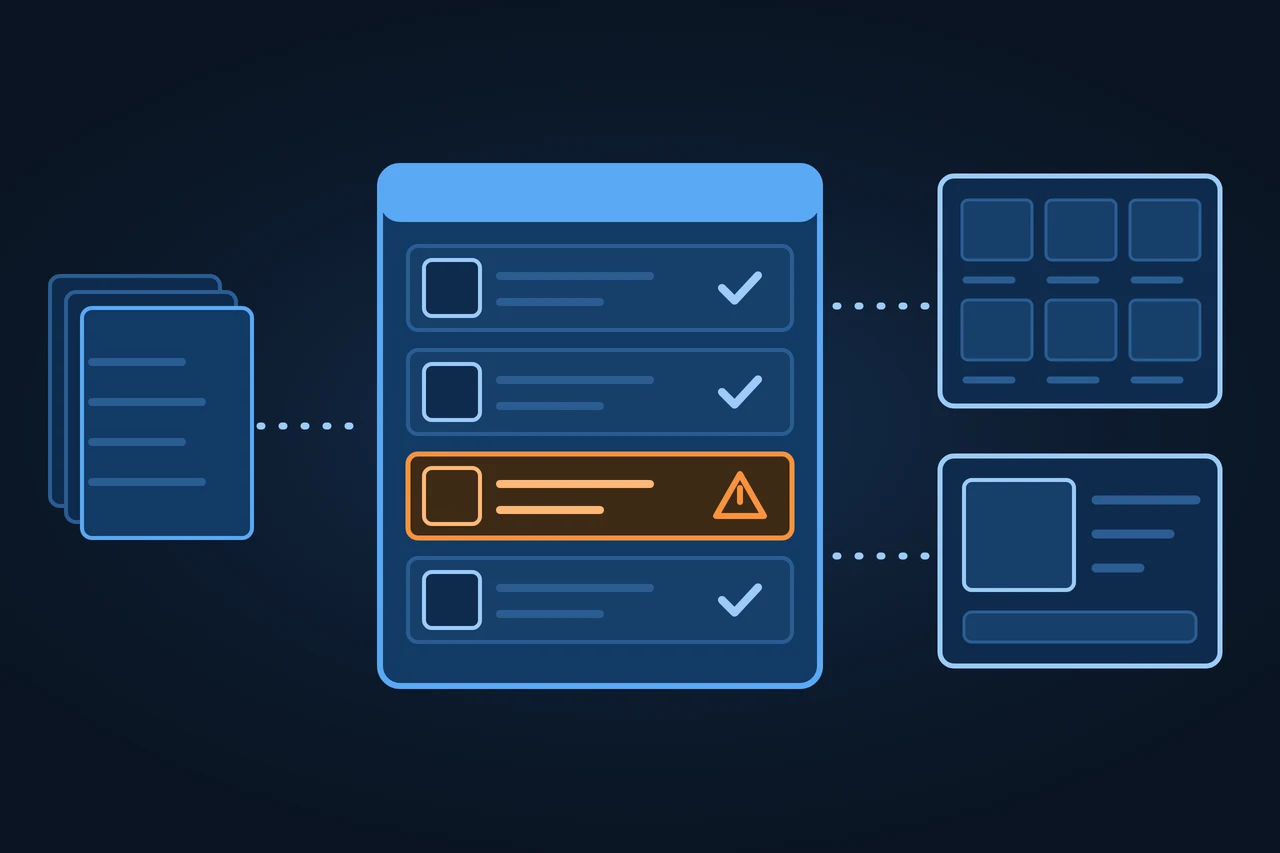
Google Merchant Center: the account where stores manage their product data for Google. Free listings, ads, disapprovals, suspensions, history.
The Cambridge Dictionary defines a merchant as "a person whose business is buying and selling goods for profit". Merchant Center is where that seller hands its data to Google.
The stages Google documents on its blog and in its help center:
You need a Google Account to sign up. During setup the store enters its business details and says where it sells: online, in a physical store, or both. The country chosen at this step cannot be changed later.
Next comes verifying and claiming the website. Verification shows Google that the store controls the site, and Google offers several methods: through the e-commerce platform, by email, with an HTML tag or file, with Google Tag Manager or with Google Analytics. Claiming ties the URL to a single Merchant Center account.
Then the products go in. Google supports several routes: adding them automatically from the store's schema.org markup, an app from the e-commerce platform, a file, a Google Sheets template, one-by-one entry, or the API. If the file sits at a URL, Google fetches it every 24 hours. How that file is built, with its attributes and formats, is covered under product feed.
Google checks the products and the website against its policies and the product data specification. Problems show up in the "Needs attention" tab and come in two kinds:
Among the website problems that lead to disapprovals, Google lists placeholder content, broken links, inconsistent information, a robots.txt that blocks Googlebot, and product pages that redirect to a generic page. Google treats violations of its Misrepresentation policy as egregious. Once a problem is fixed, the merchant can request a review, which the help center says can take up to 7 business days. After unsuccessful attempts a cool-down period can begin, during which the review button is disabled.
Most businesses don't need more than a standard account, Google says. Anyone managing several stores or domains can request an advanced account setup, with sub-accounts that each have their own name, website URL and data sources. Google recommends it for marketplaces, merchants with several brands, retailers selling in several countries and channel partners.
What Merchant Center covers today, according to its help center:
| Area | What it is for |
|---|---|
| Products and data sources | Uploading the catalog and keeping it current |
| Automations | Updating price, availability and condition from the website; on by default |
| Shipping and returns | Showing costs and delivery times; shipping data is required in countries such as Spain, Germany, the UK and the US |
| Local inventory | Local inventory ads and free local listings for physical stores |
| Add-ons | Promotions, automated discounts, custom reports, API access |
| Advanced account | Several stores or domains as sub-accounts |
Source: Google Merchant Center Help, accessed 16.11.2026.
Four cases, based on what Google's help center describes:
| Case | How the data gets in | What to watch |
|---|---|---|
| Small store on Shopify or WooCommerce | The platform's official app | That the app syncs price and stock |
| Large catalog | File at a URL or the Merchant API | Formatting errors in the file |
| Several brands or countries | Advanced account with sub-accounts | Claiming each URL |
| Retailer with a physical store | Local inventory data | That local stock stays current |
Source: Google Merchant Center Help, accessed 16.11.2026.
On the plus side, opening an account costs nothing, and free listings put products on Google surfaces without a campaign. Automations take price and availability from the website, and the same catalog serves both listings and ads.
On the minus side, Google doesn't guarantee that products will be shown, even with free listings turned on. A suspension takes the whole catalog offline. And the data has to match the website at all times: a single price mismatch can end in a disapproval.
Merchant Center is not Google Shopping. Google Shopping is where people compare products and where Shopping ads appear; Merchant Center is the account that feeds it. Nor does it replace Google Ads, where campaigns are created and paid for.
| Route | Cost | Where products appear |
|---|---|---|
| Free listings | No cost, according to Google | Search, Maps, YouTube, the Shopping tab, Images, Lens, Gemini |
| Ads | Paid in Google Ads | Google Ads channels such as Search, YouTube and Discover |
Source: Google Merchant Center Help, "Free listings for products" and "Advertise your products using Merchant Center", accessed 16.11.2026.
Any campaign created in Merchant Center is a Performance Max campaign, the help center says. Before you can create Shopping campaigns, Merchant Center has to be linked to a Google Ads account.
If a store has product structured data on its pages, Google can add products to Merchant Center from it and keep them updated. Google can also show products it has crawled on the store even when they aren't in Merchant Center.
| Tool | What it does | Published by |
|---|---|---|
| Google & YouTube for Shopify | Syncs products, deals and shipping with Merchant Center | Google LLC, in the Shopify App Store |
| Google for WooCommerce | Syncs the WooCommerce catalog with Merchant Center | Open-source plugin by WooCommerce, Automattic and Google |
| Google Sheets | Template-based data source; synced every 24 hours by default | |
| Merchant API | Automated management of accounts, products and inventory | |
| PrestaShop Marketing | Syncs the PrestaShop catalog with Google | PrestaShop |
Source: each vendor's page, accessed 16.11.2026.
According to Google's help center, a suspension for a setup or policy issue affects every product in the account, and an egregious violation brings no prior warning. If the issues aren't resolved by the second review attempt, a cool-down period may begin; Google support can't shorten it, and it may grow longer with each unsuccessful review.
The store depends on policies that Google enforces with a mix of AI and human review. And only one account can claim a given URL, so anyone running several stores under one roof needs an advanced account.
This entry was written in November 2026 with the help of AI. The information comes from Google Merchant Center Help, the Google blog and each vendor's own page, all accessed on 16.11.2026. It was reviewed before publication and contains no client data.

A technical audit covers this and everything else in one pass.
Request an auditGoogle describes Merchant Center as a free tool, and free listings cost nothing either. Ads do cost money: they are paid for in Google Ads.
It is used to give Google a store's product, shipping and returns data, so that those products can appear on Search, Maps, YouTube and other Google surfaces.
Not for free listings. You do need it to advertise: before you can create Shopping campaigns, Merchant Center has to be linked to a Google Ads account.
Merchant Center is the account where the store manages its data. Google Shopping is where shoppers see and compare the products.
With a warning, the product keeps showing but may perform worse; with a disapproval, it stops showing. Google names data that doesn't match the product page, data that breaks the product data specification, and policy violations as causes.