
Skip to content

Glossary Keyword Cannibalization

What Is Keyword Cannibalization?

Definition

Keyword cannibalization happens when two or more pages on the same site compete for the same search query. Google splits relevance between them, and in most cases neither page ranks as well as a single consolidated page would.

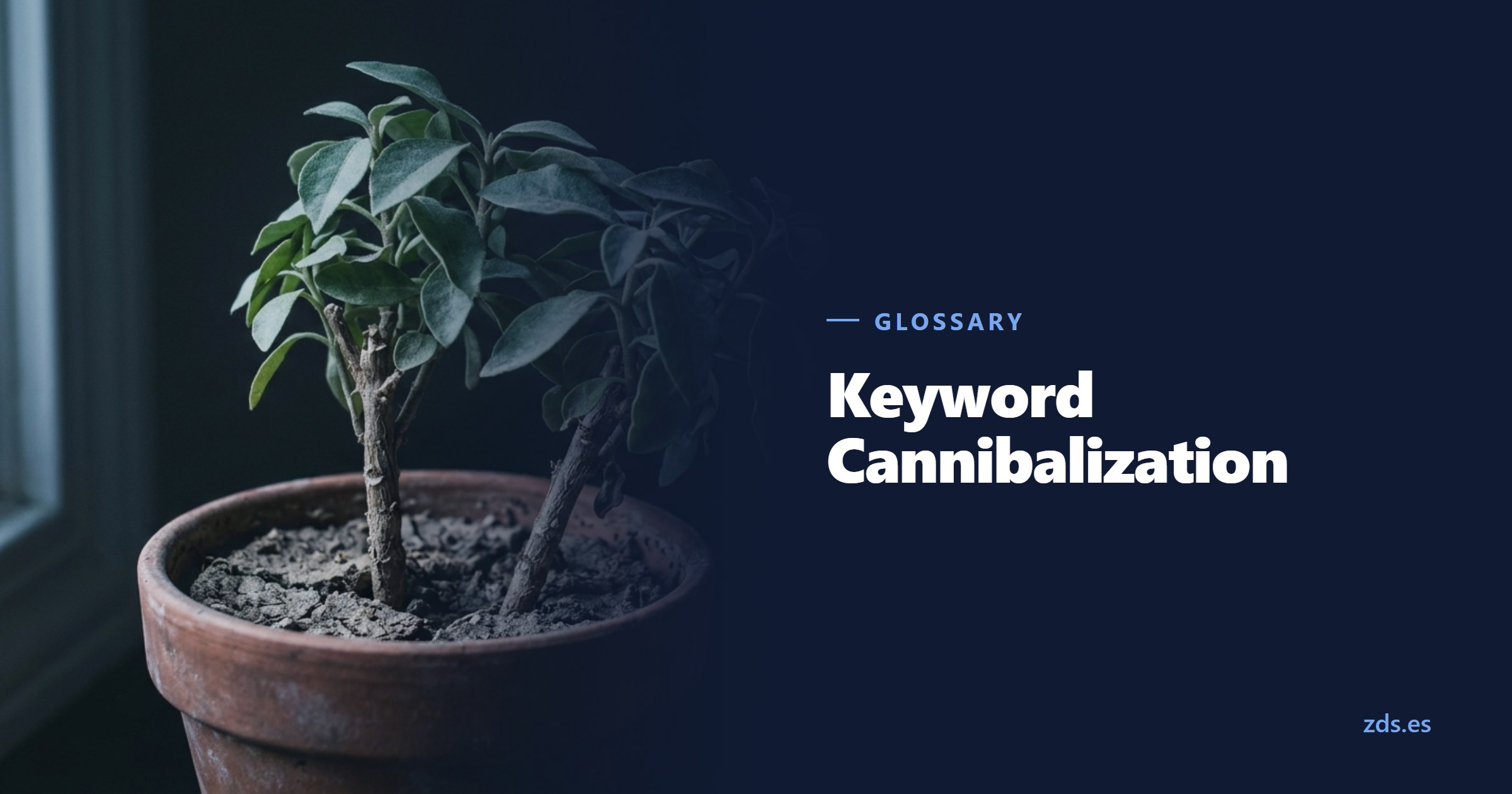
Two separate stems crowded in one clay pot, shading each other — beside the title Keyword Cannibalization
Two stems in one pot take each other's light
On this page 6
  1. How to diagnose cannibalization with Search Console
  2. Real cannibalization versus legitimate topical overlap
  3. The three fixes, in detail
  4. How to avoid it from the start
  5. Best practices
  6. Common mistakes
In brief

How to tell real cannibalization apart from a simple topical overlap, how to confirm it with Search Console data instead of guessing, and which fix applies to which case.

Two separate stems crowded in one clay pot, shading each other — beside the title Keyword Cannibalization
Two stems in one pot take each other's light

How to diagnose cannibalization with Search Console

Suspecting cannibalization by instinct is easy: two similar articles, a topic that keeps coming back, the feeling that "we already covered this on another page." Confirming it takes data, and that data lives in the Search Console Performance report, not in a guess.

The first step is filtering by the specific query you want to check, or by a small group of related queries. With that filter active, turn on the Pages dimension alongside Queries. If the report shows two or more distinct URLs picking up impressions for the same search, that's an early signal of competition, and it's worth watching how each page behaves over time.

The decisive signal isn't that two pages show up together for a query. It's that each page's position swings from one week to the next with no obvious cause. If page A sits at position 6 one week and page B at position 14, then the roles flip the following week without any content change or shift in the market, that swap is the clearest fingerprint of cannibalization. Google can't settle firmly on which URL is more relevant, so it keeps alternating between the two.

It helps to use the report's period comparison feature, contrasting the last eight weeks against the previous eight, for example. A single week of position change can come from an algorithm update or a seasonal spike. A pattern that repeats month after month, with the same two pages trading the spot, stops being noise: it's the site competing against itself.

Checking CTR and impressions for each URL separately also helps. When both pages pick up impressions in the same period at the same time, rather than one fully replacing the other in the ranking, that confirms Google is evaluating them as parallel candidates for the same result.

Real cannibalization versus legitimate topical overlap

Not every topical overlap is cannibalization. Two pages can cover the same broad subject without really competing, if they serve different search intents. The common mistake is treating any thematic overlap as a problem to fix, when it's often a healthy content structure: multiple entry points into the same broad topic, each aimed at its own query and intent.

AspectReal cannibalizationLegitimate topical overlap
Search intentThe same on both pagesDifferent: informational, comparative, or transactional
Target queryNearly identical on both URLsRelated, but with clear distinctions
Search Console behaviorPosition swings between the two URLsEach URL holds a relatively stable position for its own query
ExampleTwo articles titled "what is X" aimed at the same generic searchA "what is X" article and an X pricing page, for searches with a different intent
Recommended actionConsolidate, differentiate, or apply a canonicalNone, as long as internal links respect each page's intent

The fastest way to tell which case you're in is asking what someone running that search would expect to find. If the answer is the same for both pages, that's cannibalization. If one person is trying to understand a concept and another is comparing prices or booking a service, the pages aren't competing, even if the underlying topic is the same: they're covering the full user journey.

The three fixes, in detail

Once cannibalization is confirmed, the right response isn't always the same one. It depends on whether one page is clearly weaker, whether both have a business reason to exist separately, or whether the content is nearly identical. Picking the wrong fix can delete content that was actually generating business, or keep an underperforming URL active for no reason.

Consolidate with a 301 redirect. This is the option when one page is distinctly weaker: fewer links, younger, less historical traffic, or thinner content. Move whatever value the weaker page holds into the stronger one, expanding it if needed, and redirect the weaker URL with a permanent 301 to the main page. This concentrates the links, performance history, and behavioral signals that used to be split across two pages into one. Before applying this, check in Search Console which page actually performs better, rather than relying on which one looks more complete at a glance: sometimes the worse-written page is the one that has accumulated more traffic and links, and redirecting in the wrong direction throws that history away.

Differentiate the intent more clearly. This is the path when both pages have a genuine business reason to exist separately, but overlap because they were written without thinking through how they should differ. Nothing gets deleted here: you rework the title, H1, meta description, and body copy of each page so they target clearly distinct queries and intents. One page can keep the informational angle, "what is" or "how does it work," while the other takes the transactional or comparative one, "price of" or "best options for." Internal linking has to follow that split: if several links across the site use the same anchor text pointing indiscriminately at one page or the other, that confusing signal needs fixing, with each anchor directed to the page that matches its intent.

Apply a canonical tag. This is the option when the content on both URLs is technically near-identical and neither can be deleted or redirected cleanly: variants with filter or tracking parameters, a printable version, syndicated content in another section of the site, or variants the CMS generates on its own. In these cases, the canonical tells Google which URL is the reference for consolidating ranking signals, without needing to delete or redirect the secondary URL, which can still serve navigation or user experience even though it doesn't compete in the ranking on its own.

A common mistake is jumping to whatever fix comes to mind first, almost always "delete one of the two," without checking which of the three scenarios actually describes the case. Redirecting a page that genuinely had its own well-differentiated intent throws away traffic that wasn't competing with anything. Adjusting intent alone when the content is nearly identical leaves the technical problem unresolved.

How to avoid it from the start

Cannibalization is far cheaper to prevent than to fix. Most cases start at the planning stage, when new content gets created without first checking what the site already covers on that same topic.

The first filter is a Keyword Research phase that identifies which terms carry search volume and assigns a primary query and a specific intent to each URL before a single line gets written. If two content ideas target the same primary query, the problem shows up in a spreadsheet, not months later while combing through Search Console.

The second filter is content architecture. A Content Cluster model, with a pillar page covering a broad topic and several satellite articles digging into specific subtopics, is built precisely to keep multiple pages from competing for the same query. Each article in the cluster has its own query and intent, and all of them link back to the pillar page instead of competing against each other for the same ranking spot. Without that structure, a site tends to accumulate loose articles on the same broad topic, written at different times, that end up fighting over the same query.

Keeping a simple content inventory, even just a spreadsheet with the URL, primary query, and intent of each page, helps catch overlap before publishing. Before launching a new article, a quick search through that inventory or a look at the Performance report filtered by topic avoids duplicating work on a page that already exists.

Internal linking is also part of prevention. If a link's anchor text gets decided case by case with no fixed rule, it's easy to end up pointing the same anchor at two different pages, which confuses both users and Google about which of the two is the reference for that term.

Best practices

  • Before creating a new page, check the Search Console Performance report to see whether a URL already gets impressions for the same query.
  • Assign a primary query and a search intent to each page before writing the content, not after.
  • Organize related content into a Content Cluster, with a pillar page and satellite articles covering distinct subtopics.
  • When you spot cannibalization, check which page has the stronger performance history before deciding which one gets consolidated or redirected.
  • Keep internal link anchor text consistent: each term should always point to the same reference page.
  • Use a Canonical tag when two URLs need to coexist for technical reasons, instead of letting them compete freely for ranking.

Common mistakes

  • Deleting or redirecting a page as soon as topical overlap turns up, without checking whether the search intent is genuinely the same.
  • Confusing cannibalization with Duplicate Content: looking for the problem only in identical text and missing pages with different wording that still compete for the same query.
  • Creating a new page for every keyword variation instead of handling those variants within a single, complete page.
  • Redirecting the page with more historical traffic toward the better-written one, without checking the actual Search Console data first.
  • Not reviewing internal links after consolidating two pages, leaving links pointing at a URL that no longer exists or is no longer meant to rank.
Manuel Riveiro Rodriguez CEO & Digital Strategist

A technical audit covers this and everything else in one pass.

Request an audit

Frequently asked

How do I know if I have keyword cannibalization on my site?

Filter the Search Console Performance report by the query you're checking and turn on the Pages dimension. If several URLs pick up impressions for the same search and their positions swing back and forth without any content change, that oscillation is the most reliable signal.

Is every topical overlap between two pages cannibalization?

No. Two pages can cover the same broad topic without really competing, if they serve different search intents, say one informational and one transactional. The problem shows up when both target the same query with the same intent.

When should you redirect a page instead of differentiating it?

When one of the two is clearly weaker in links, age, or historical performance. If both have their own business reason to exist, it's better to sharpen each page's intent than to lose one to a redirect.

Is cannibalization the same as duplicate content?

No. Duplicate content means identical or near-identical text on two URLs. Cannibalization can happen with completely different text, as long as both pages compete for the same query and the same search intent.

How do you avoid cannibalization when planning new content?

By assigning a primary query and an intent to each page before writing it, and organizing related topics into a Content Cluster with a pillar page and satellite articles, rather than publishing several loose pieces on the same subject.

Sources

  1. Search Console Help: Search results Performance report: documents how to filter by query, turn on the Pages dimension, and compare time periods, the basis of the diagnostic method described in this article.
  2. Google Search Central: Canonicalization: explains how Google consolidates ranking signals between similar URLs through the canonical tag. Last updated 07.10.2026.
  3. Google Search Central: Crawlable links: recommends descriptive, consistent anchor text, relevant to avoiding confusing internal linking signals between competing pages. Last updated 12.10.2025.