
Just like a writer or filmmaker who aims to captivate both their audience and critics, a web designer also has two open fronts: on one side, users, and on the other, search engines. This duality forces a balance between aesthetics — without losing sight of usability — and the rules set by search engines. Hence, launching a new website or redesigning an existing one is a challenging task for many companies, as a high volume of web traffic and visibility can be lost if either of these areas is neglected. While this is due to various factors, one of the most common is web design errors.
Unfortunately, it's very easy to fall into these traps, as optimising a website for search engines often means sidelining aesthetic considerations. And vice versa: a site designed solely to ensure a perfect user experience (UX) will hardly be favoured by Google (or at least, not as much as the company would like).
To help you avoid them, we summarise what, in the opinion of SearchEngineJournal, are the most common web design errors that can hinder your website's SEO positioning.
Not including the H1 tag
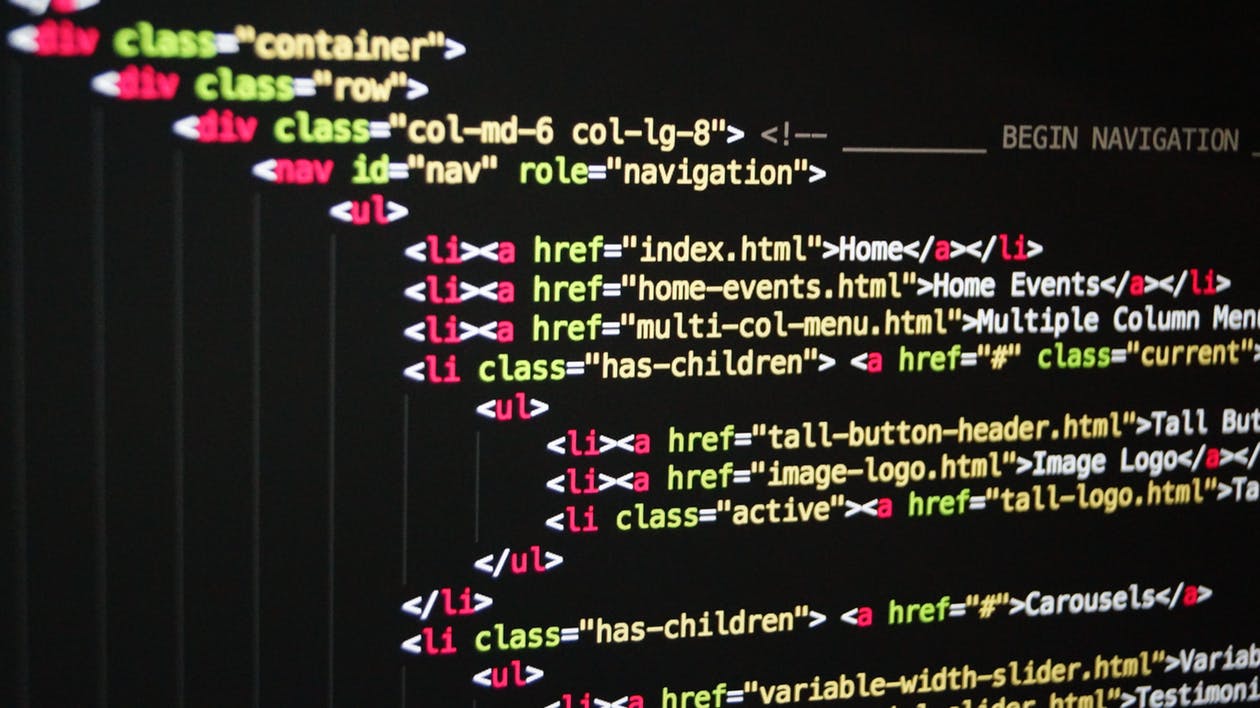
Who can resist a page with an original, dynamic design, full of surprising features and easy to use? The answer is simple: search engines. And if search engines don't rank them well in their search results, very few people will access the site. The reason? In many cases, the absence of the H1 tag, which is often sacrificed due to lack of space.
Although many designers do not hesitate to omit it, this is one of the most significant SEO errors they can make. In fact, even though it doesn't appear in the content, this element is not only used to title the page, but it also appears in the navigation tab and in search results. Furthermore, this header tag serves to create a unique title for each web page.
And that's not all: the H1 tag is one of the first elements that search engine crawlers will analyse to determine what the page is about. Therefore, incorporating this tag will improve your chances of achieving good search engine positioning.
However, for this element to be effective, it must be between 40 and 70 characters long, contain the keywords for which you want to rank, and never be duplicated. Also, remember that characters further to the left have a greater impact from an SEO perspective.
Opting for overly short texts
We cannot stress this enough: for Google, website quality is non-negotiable. And one of the aspects it considers when evaluating this variable is text length.
Although there are no exact figures, the minimum length is considered to be 300 to 350 words. However, if you want search engines to give it even more weight, the text should ideally be at least 900 or 1,000 words.
Likewise, prioritise including text on product and service pages, as Google considers these to be the most important.
Of course, there are many other considerations for texts to rank well. To learn more, we invite you to read this article on how to create an effective SEO content strategy.
Not optimising images and multimedia files
Did you know that 90% of the information transmitted to our brain is visual? Or that it processes visual information much faster than text? For this reason, it should come as no surprise that incorporating photos or videos into a webpage can increase the likelihood of receiving visits by up to 20%.
However, while this resource gives our website an unbeatable appearance, it is also true that if not used correctly, it can ruin your positioning strategy.
One of the most recurring problems relates to the inclusion of excessively large photos or videos, which can negatively affect loading speed. This is a parameter that Google considers when ranking its search results. In contrast, the Palo Alto giant rewards pages that open quickly.
To easily detect if a page loads within an adequate time — no more than 2 seconds, according to Google's criteria — you can use Google PageSpeed Insights Test or Screaming Frog, two applications that instantly indicate if the size of the images is excessive.
Once problematic images are identified, you need to resize or compress them and re-upload them to the website.
Furthermore, do not forget that both the file name and the anchor text of the images should ideally incorporate a keyword related to their content. You should also place the photo near related text and include the ALT attribute, a description that appears when you hover over the image.
Adding text in image format
Although it may seem hard to believe, many web designers opt to include text in image format, either to save space or to achieve a more striking appearance. This is a mistake stemming from a poor decision, as, for now, search engines cannot interpret the vast majority of images. Therefore, this is equivalent to not including text, as Google cannot read the message within images.
In addition to this inconvenience, there is another no less relevant one: the lack of legibility on mobile devices, as images are reduced when accessing the Internet this way. When this happens, the result is nothing short of an increased probability of a higher bounce rate, as the user, unable to see the text clearly, is more likely to abandon the page. This is something Google negatively values when offering its ranking results.
For this reason, we strongly advise against this practice.

Incorporating pop-ups
Recently, Google warned that it was not advisable to include pop-up windows. The reason is that, as a type of intrusive advertising, they harm the user experience, an aspect that is sacred to Google. Thus, if pop-ups appear before visitors can access the main content, users may feel inclined to leave the website. This increases the bounce rate and reduces the time spent on the page, two factors that harm SEO.
Infinite scrolls
Despite being a very popular option, its operation can seriously affect SEO if not implemented correctly.
This is because infinite scroll loads content as the user reaches the bottom of the page. Therefore, if the site's pagination is not configured correctly, search engines will not be able to crawl its pages.
We'll see this better with an example. Imagine a blog with 50 pages that only displays its 15 most recent posts by default, which are the ones search robots will see. Since bots crawl websites through links, they have no way of knowing if there is more content on the page beyond the first 15 articles. Therefore, the remaining 35 pages would be beyond Google's reach.
The good news is that it is possible to create infinite scroll pages. Simply follow the instructions found in Google Webmaster Blog.
Do you want to improve your web design?
If you are thinking about designing a blog or website, we can provide the support you need. Write to us or call us without obligation on (+34) 654 20 61 16 or (+34) 93 532 93 78. At B2 Performance, your digital marketing agency in Barcelona, we have been helping SMEs and multinationals launch — or relaunch — successful web projects for over 11 years, always achieving good visibility. Contact us and discover how.